 pixit
Get Pixit for Chrome
See what suits you.Before you buy.
Found something you like? See it on your own photo, compare it with your other finds, and decide what’s worth ordering.
25 free credits for the first 300 verified users.
Verify your email to qualify. One credit per try-on.
Available for Chrome on desktop and laptop.
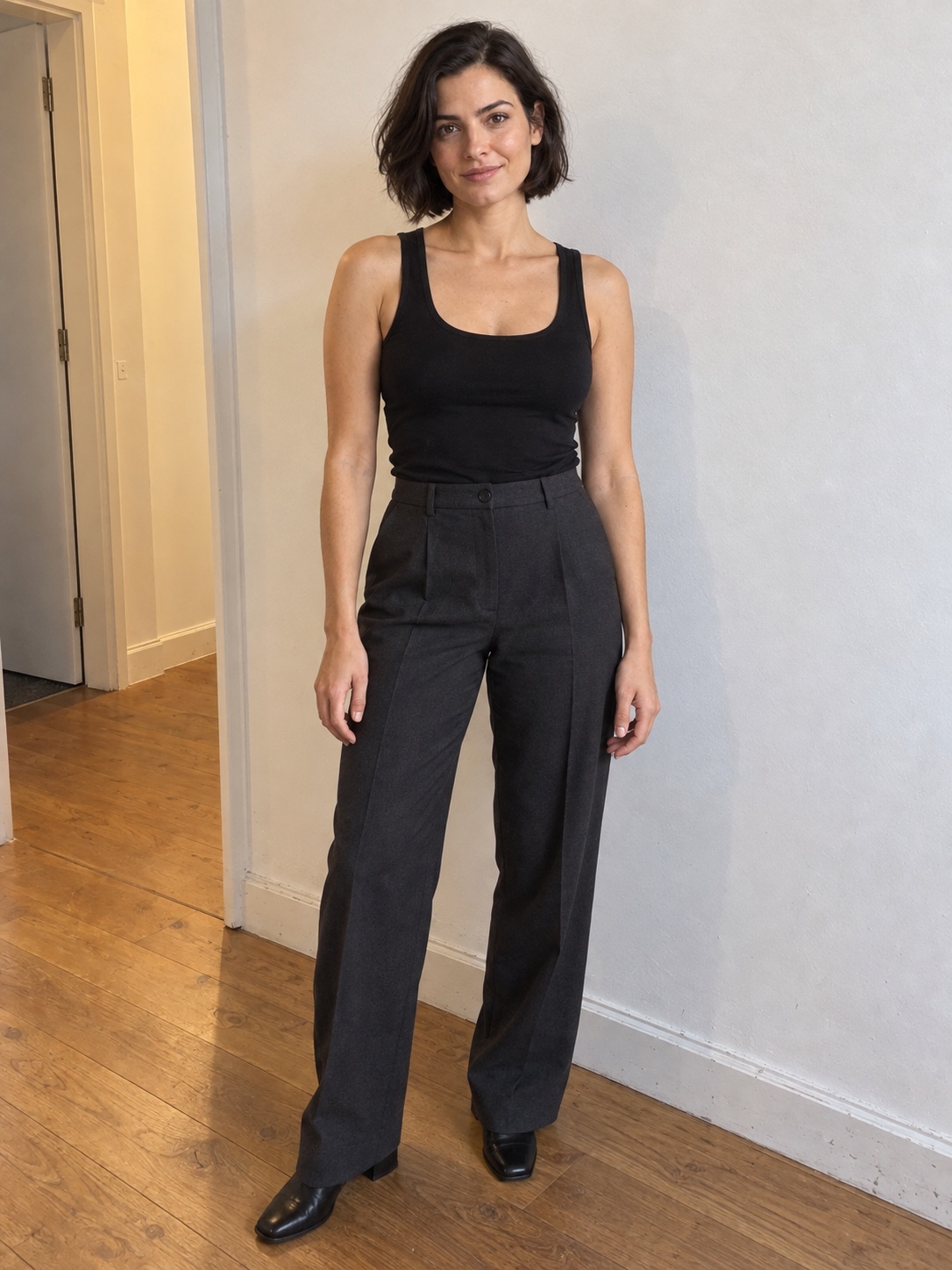
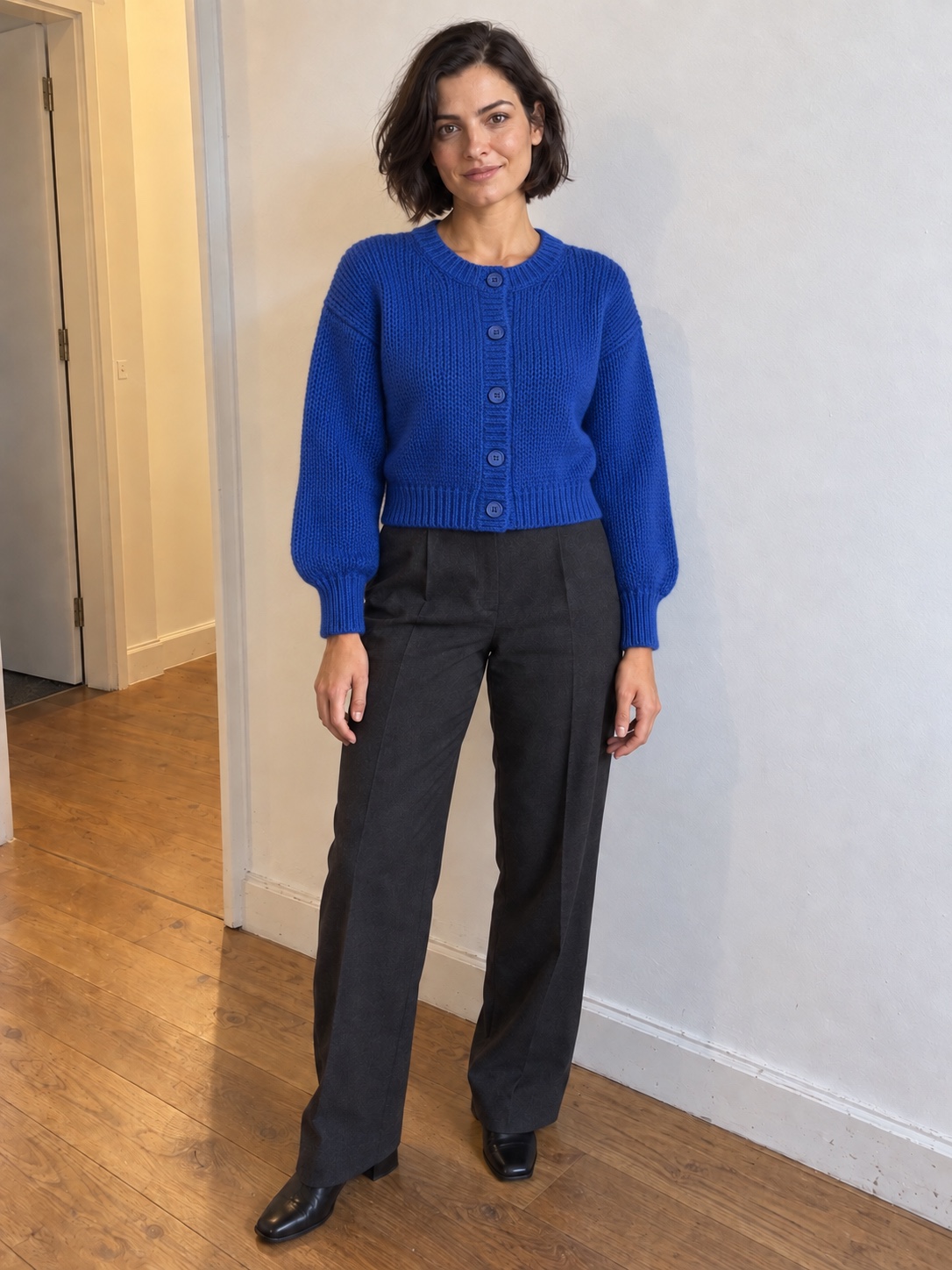
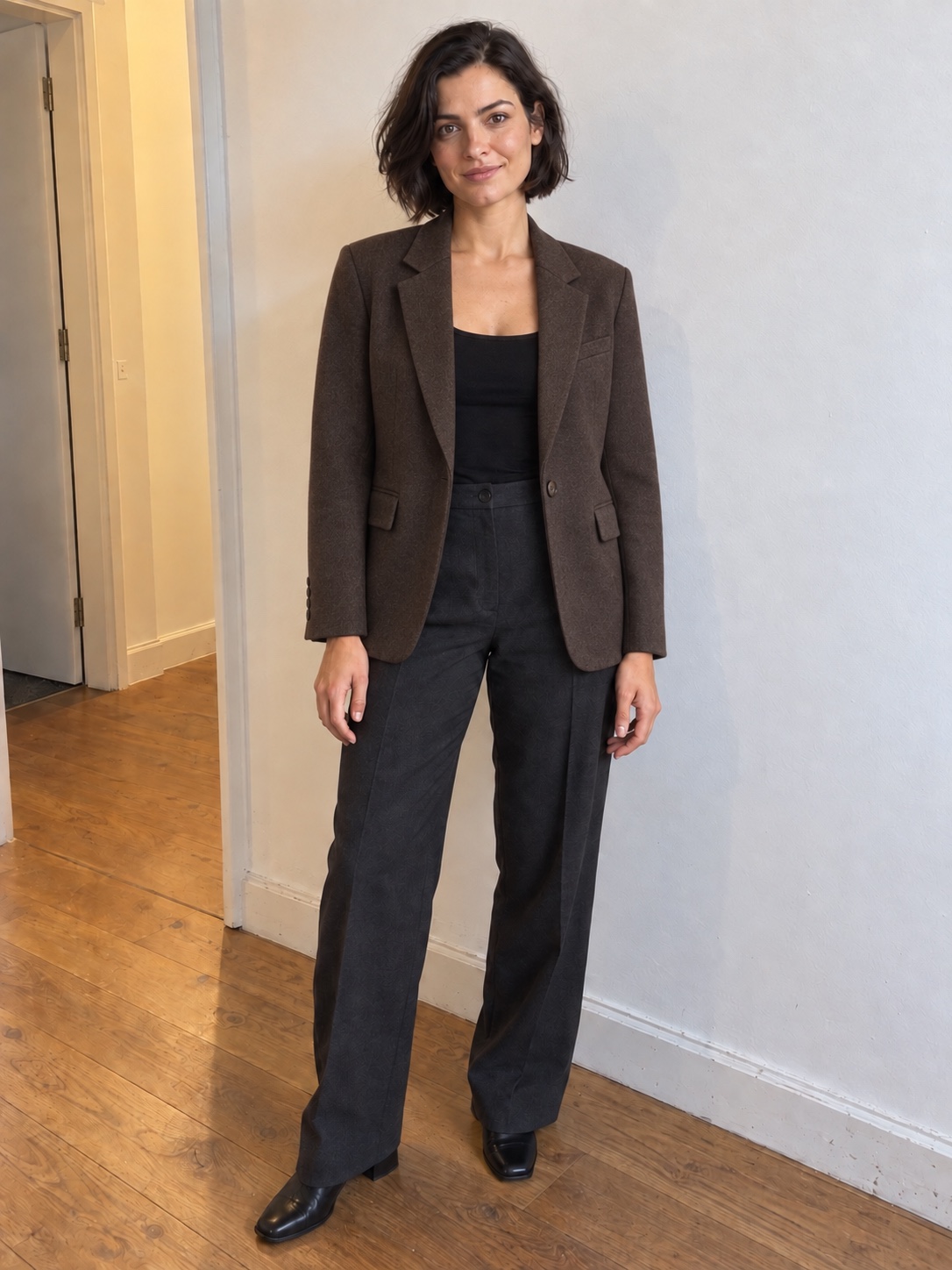
Illustrative styling examples, not actual Pixit results.
For the plans
you’re dressing for.
The wedding invite. The meeting in your calendar. Picture the piece beyond the product page.

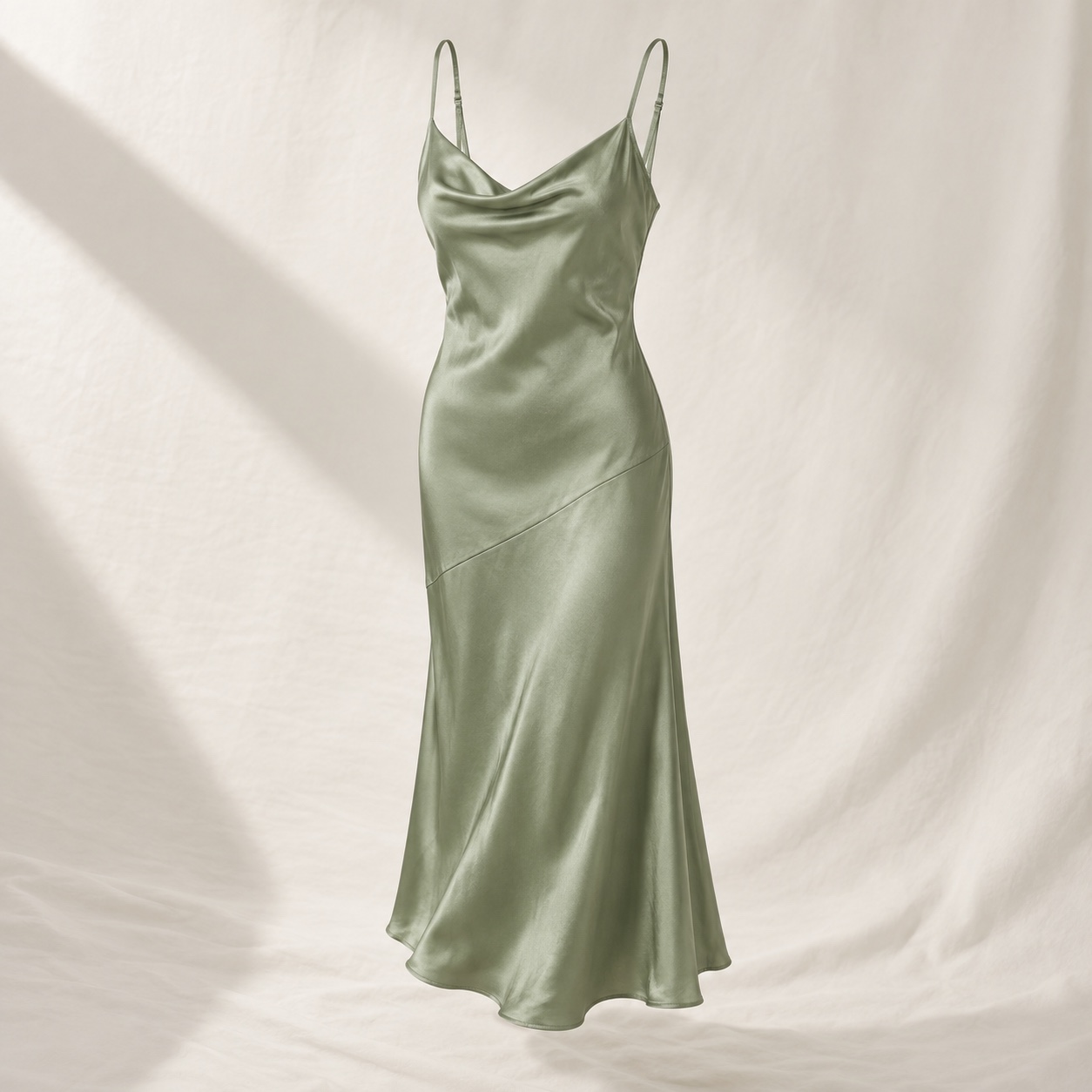
That wedding.
The dress still open in your tabs.

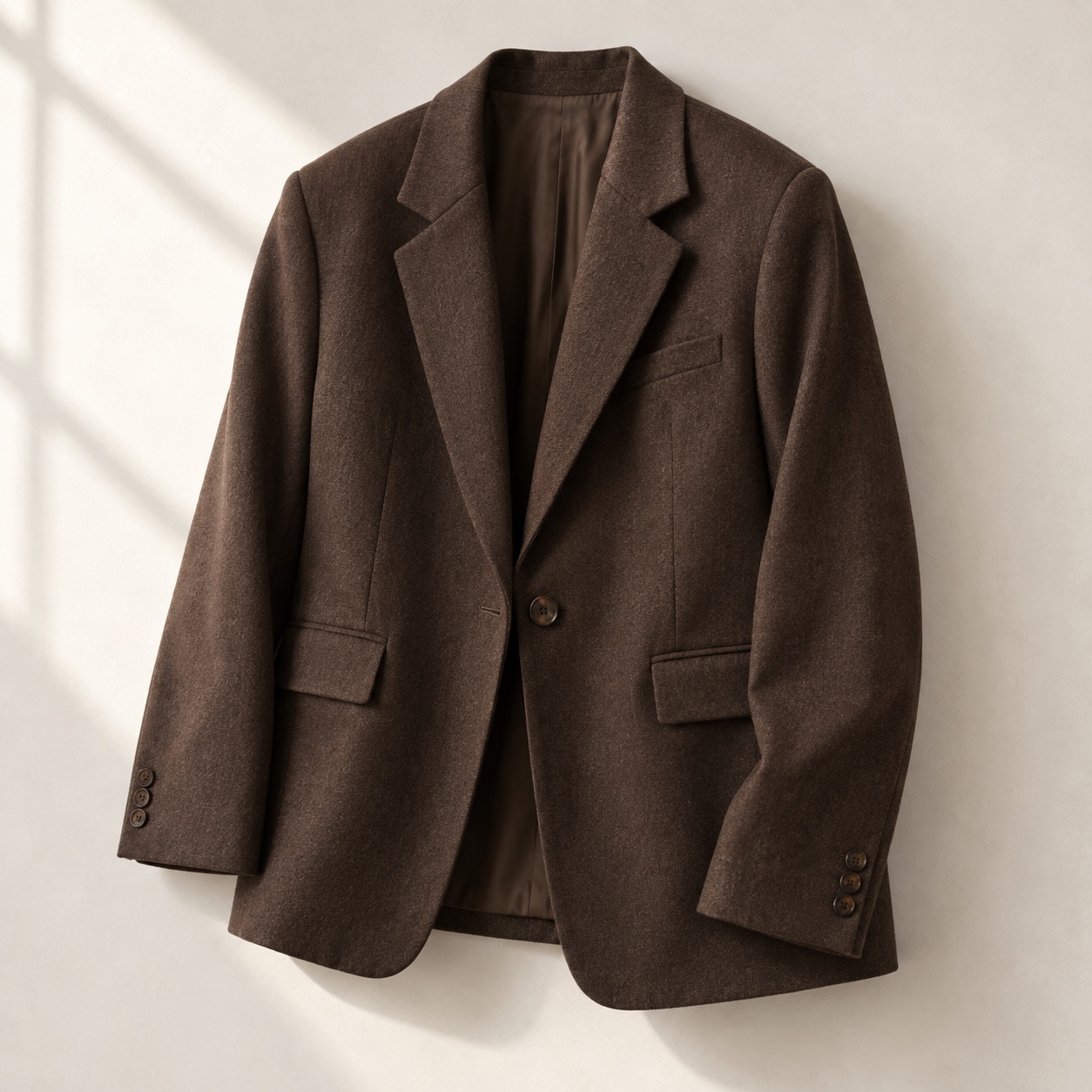
Your next big meeting.
A new layer. Still you.
AI-created campaign scenes, not actual Pixit results. Start your own try-on with a solo photo.
Watch the story 20 seconds
Keep browsing.
Start trying.
One photo of you. A product image you love. See how Pixit brings them together in this 24-second walkthrough.
Add your photo.
Install Pixit, create an account and upload a clear, full-body photo with only you in it.
Find your piece.
Right-click a product-only garment image and choose “Try this on with Pixit”.
See it on you.
Your AI-generated look appears in the side panel. Save favourites and return to the shop when you’re ready.
Read the walkthrough
A shopper browses a fictional fashion shop and selects a silver satin top. They right-click its product image and choose “Try this on with Pixit”. Pixit pairs the garment with their saved solo photo. They select “Try it on”, then see an AI-created illustration of the same person wearing that top in the gallery. This silent demonstration uses a simplified interface and condensed timing.
More outfit inspiration 24 seconds
A little less guesswork
25 credits.
€1.50.
One credit per try-on. That’s €0.06 per try-on. Buy a one-time pack inside the extension. No subscription. No auto-renewal.
Add Pixit to ChromeThe first 300 verified users get 25 free credits. Create your account and verify your email to qualify.
Before you try.
What do I need to get started?
Chrome 116 or later on a desktop or laptop, a free Pixit account, and a clear full-body photo with only you in it. A plain background and simple clothing work best.
What can I try on?
Tops, knitwear, jackets, coats, dresses, trousers, shorts and skirts. Choose a product-only photo with no person in it. Shoes, accessories, underwear and swimwear aren’t supported.
Will it tell me my size?
Pixit creates an AI visualisation of a look on your photo. It isn’t a measurement or sizing tool, and results can vary. Check the retailer’s size guide for fit.
How do I get the free credits?
The first 300 verified users get 25 free credits, enough for 25 try-ons. Install Pixit, create your account and verify your email. Once those places are taken, credits are available in packs of 25 for €1.50.
How does Pixit make money?
Pixit is free to install. The first 300 verified users get 25 free credits. If you want more, a pack of 25 costs €1.50. No subscription or auto-renewal. Later, we plan to earn a commission from shops when you buy something through Pixit. That isn’t active today.
How are my photos used?
Your photo and selected garment image are processed to generate your try-on. Read our privacy policy for storage, processing and deletion details.
That piece in your tabs?
See it on you before you decide.